
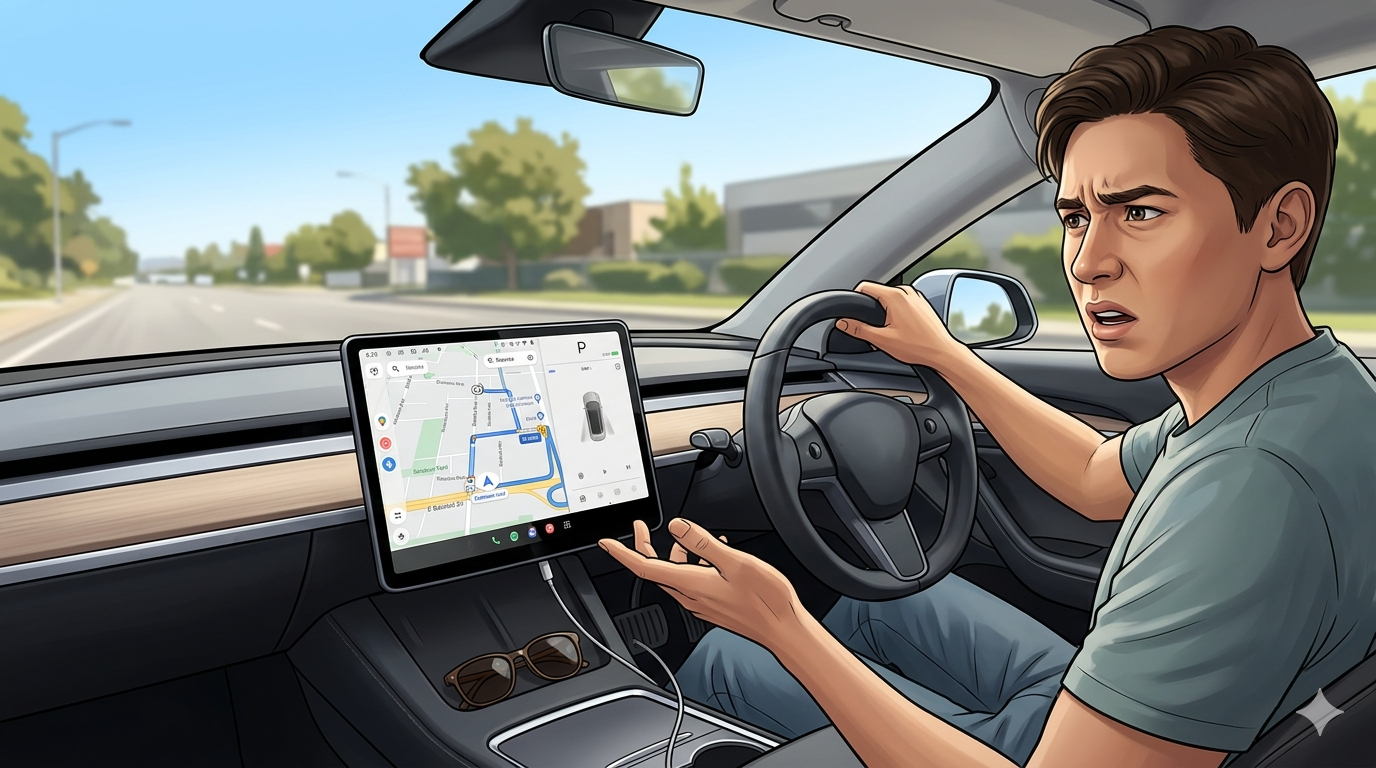
You hop in the car, start navigation on Google Maps, and expect to skip songs or pause your podcast with a quick tap at the bottom of the screen. Suddenly those handy media controls disappear. Many drivers noticed this exact frustration in mid-2025 when google maps media controls removed became a hot topic. You wonder whether Google made a smart design choice or accidentally broke a beloved feature. This review examines what happened, why it matters, and how you can still enjoy smooth drives with music or podcasts.
The Change That Surprised Many Drivers
You open Google Maps for navigation and notice the familiar media bar at the bottom of the screen is gone. In July 2025, Google quietly removed the dedicated media playback controls from the Android navigation interface. The “Show media playback controls” toggle vanished from Settings, and the quick-access panel that let you control Spotify, YouTube Music, or other apps disappeared for many users. The timing coincided with Google’s shift away from Assistant Driving Mode toward deeper Gemini integration. You feel the difference immediately on long commutes or road trips when you can no longer adjust audio without switching apps or using your phone directly.
What the Media Controls Used to Offer
You used to enjoy seamless control while navigating. The old system showed current track information, play/pause, skip buttons, and volume adjustments right inside the Maps navigation screen. You kept your eyes on the road instead of fumbling with your phone or car stereo. The feature supported multiple music and podcast apps and made driving feel safer and more convenient. Many drivers called it one of the best small touches in Google Maps. When google maps media controls removed took effect, that convenience suddenly vanished for Android users, while iOS users continued to see the controls.
Reasons Behind the Removal
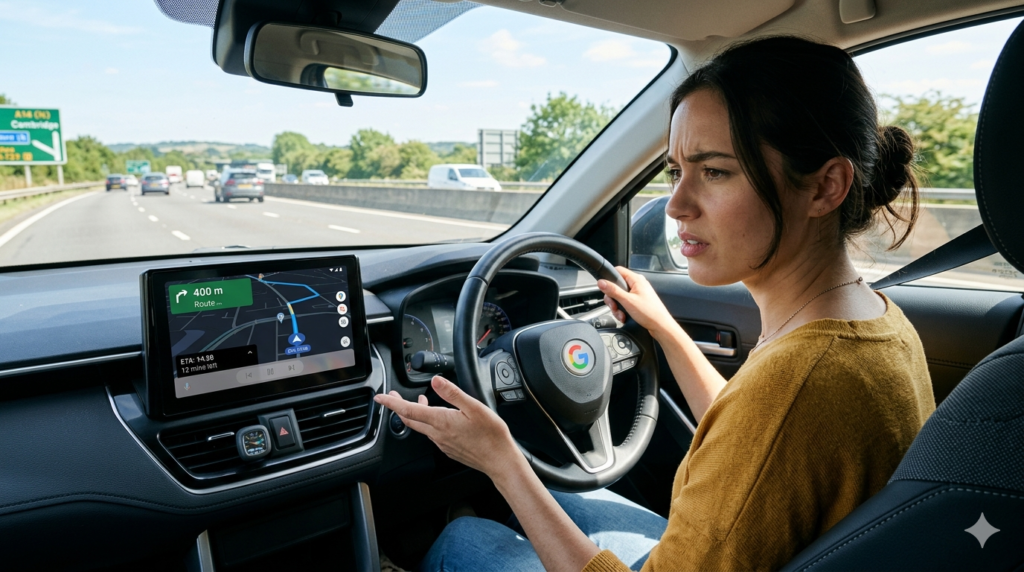
You look for answers and see Google linked the change to bigger updates. The company phased out the old Driving Mode to make room for newer AI features powered by Gemini. During the transition, the media integration broke or was intentionally simplified. Some reports suggest Google wanted to reduce visual clutter on the navigation screen or focus resources on core mapping improvements. Limited support remained for YouTube Music and Spotify at first, but even those faced issues. The removal created a wave of complaints on forums and Reddit because drivers rely heavily on this feature during daily commutes and long journeys.
How Users Reacted to the Change
You read the feedback and see strong disappointment across communities. Android users flooded support threads and social media with frustration about switching between apps while driving. Safety concerns topped the list because taking eyes off the road to control music increases risk. Podcast listeners and music fans felt especially affected on longer trips. Many called the change a step backward in user experience. On the positive side, some drivers appreciated a cleaner navigation screen with less distraction. The mixed reactions show how personal this feature felt to different users.
Current Status and Any Fixes
You check the latest updates and find that Google addressed the issue after the initial removal. By late July 2025, the company pushed fixes that brought media controls back, though sometimes in a modified form. You may now need an extra swipe or tap to access the panel instead of seeing it permanently at the bottom. The settings toggle returned for supported apps like YouTube Music and Spotify. However, third-party apps still face limitations. The situation improved but never fully returned to the original seamless experience for everyone. You test your own Maps app to see which version you have and whether the controls appear during your next drive.
Workarounds While Driving
You adapt with simple alternatives when the built-in controls stay limited. You connect your phone to your car’s Bluetooth or Android Auto / Apple CarPlay for native audio controls on the dashboard. You use voice commands through Google Assistant or Gemini to skip tracks or change playlists hands-free. Some drivers set up steering wheel buttons or smartwatch controls for quick adjustments. You pre-load playlists or download podcasts before trips so you need fewer changes on the road. These solutions help maintain safety and enjoyment even when google maps media controls removed affects your experience.
Impact on Safety and User Experience
You consider the bigger picture and see how media controls affect driving safety. Easy access reduces the need to grab your phone, which lowers distraction risk. Removing them forces more app switching or voice reliance, which can still pull attention. Google aims for cleaner interfaces, yet many drivers prefer quick visual controls during navigation. The change highlights the ongoing balance between simplicity and practical features. You stay safer by testing controls before you drive and choosing methods that keep your focus on the road.
What This Means for the Future of Google Maps
You watch how Google evolves the app after this episode. The company continues integrating Gemini for smarter navigation and voice features that might eventually replace old controls with better AI options. Future updates could bring improved media integration or entirely new ways to manage audio. You benefit when Google listens to user feedback and restores popular elements. The incident reminds everyone that even big tech changes can disrupt daily habits. You stay informed about app updates so you adapt quickly when new features or removals appear.
Tips to Get the Most from Navigation and Media
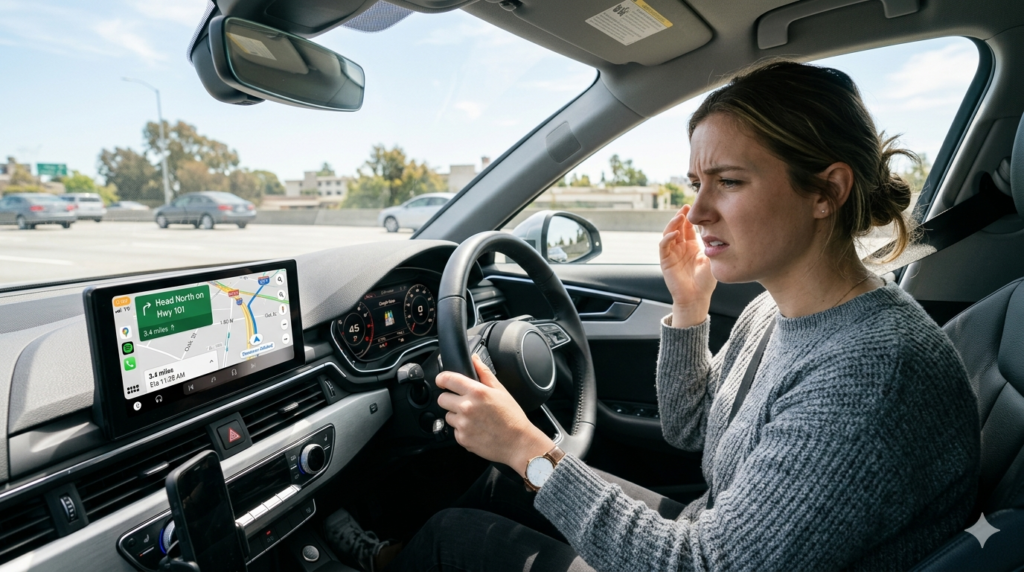
You maximize your experience with a few smart habits. You keep Google Maps updated to the latest stable version. You test media controls on short drives before relying on them for longer trips. You combine Maps with Android Auto for the best dashboard integration. You explore voice commands early so they become second nature. You provide feedback directly in the app when something feels missing. These steps help you enjoy reliable navigation and audio even when small features change unexpectedly.
Final Verdict on Google Maps Media Controls Removed
Google maps media controls removed created real frustration for many Android drivers in 2025, but the situation improved after Google’s quick response and fixes. You lost some convenience during the transition yet gained a cleaner navigation view and stronger AI features in return. The change reminds you how much small details matter in daily apps. You now approach Google Maps with realistic expectations and use workarounds like CarPlay, Android Auto, or voice commands to stay safe and entertained on the road. The platform still delivers excellent navigation, and future updates will likely refine the media experience even further. Next time you start a trip, check your controls early, adjust your setup if needed, and focus on arriving safely while enjoying the journey. Google Maps remains a powerful tool — it just occasionally requires a quick adaptation when features shift.